2014-04-21

Remove Perk Prize Panel - Completely Delete and Get Rid of Perk Prize Panel

I want to remove Perk Prize Panel from control panel. I tried to disable it but the system would not let me. How can I do? You can read this article for more details.

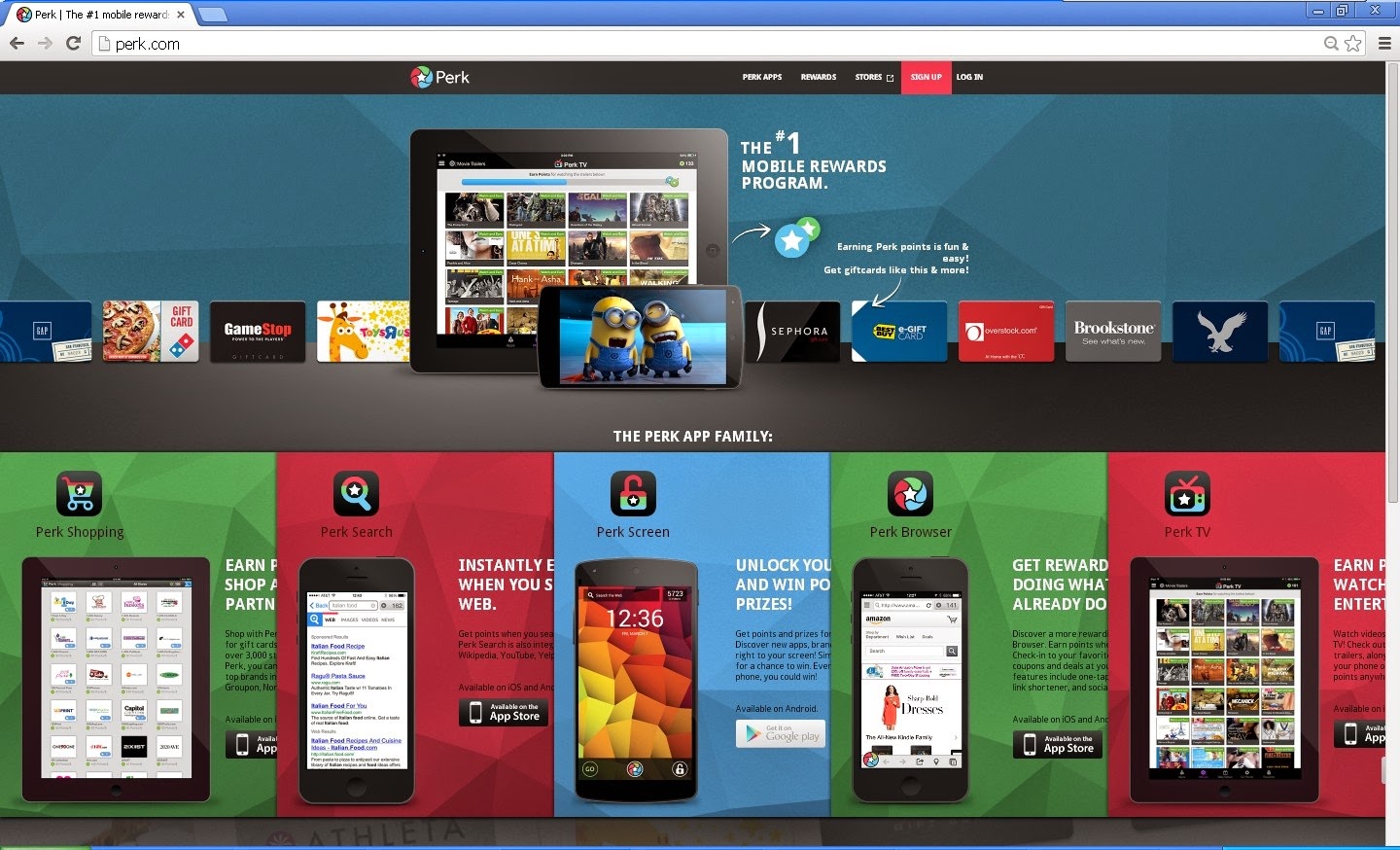
Screenshot of Perk Prize Panel


About Perk prize Panel 


Name: Perk prize Panel
Publisher: Control name is not available
Type; Browser helper Object
Status; Enabled
Date last Accessed: Not Available
Class ID: {47F3EB15-C230-4AOB-BE4B-D527FF483B48}
File: pp.dll
Folder: C:\Program Files\Perk Prize Panel

What is Perk Prize Panel?


Perk Prize Panel can be classified as an extension or plugin which can be attach on browsers like Mozilla Firefox, Google Chrome and Internet Explorer. It states to help computer users save time and money when shopping online. It also states that you can get reword or prize by using its related websites. In fact, this is an ads-supported program which will display a lot of commercial ads, banners, pop-up ads and sponsor links on the website you are visiting. This adware is created by the creator to make profits by promoting some specific websites or products. This adware can infiltrate into the system when users download some updated programs, free software from the internet, or clicking malicious websites and links.


2014-04-19

How to Remove Weekly-contest.servey-prizerewardzs.com Step by Step


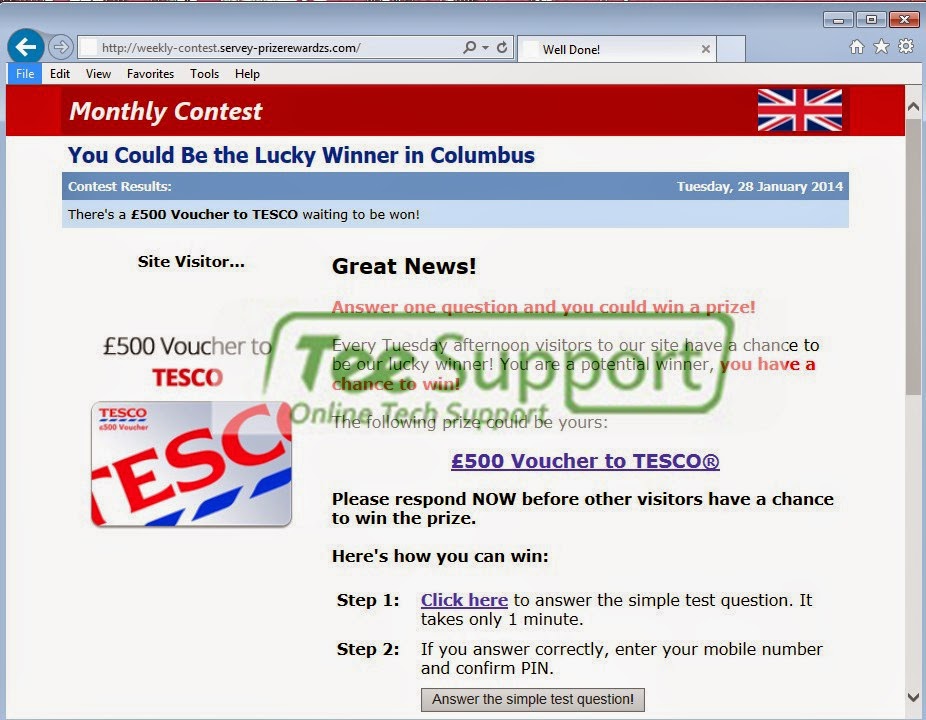
Weekly-contest.servey-prizerewardzs.com hijacks my browser all the time. It appears no matter when I open the homepage or a new tab. I cannot block it. What can I do for this situation? This post can give you the solutions.

Screenshot of Weekly-contest.servey-prizerewardzs.com


Information of Weekly-contest.servey-prizerewardzs.com


Weekly-contest.servey-prizerewardzs.com (also can be seem as Servey-prizerewardzs.com) is the questionable website which is created by the cyber criminals to collect money. The websites will appear on the browser when the users surf the internet. This browser extensions can affect the popular browsers such as Mozilla Firefox, Google Chrome and Internet Explorer. It changes your default homepage and replaces by its own domain on your browser. This browser hijacker can can come into the computer together with free software, spam emails, updated programs or unsafe web sites, and so on.


2014-04-18

Learn to Remove Zorable Step by Step (Virus Removal)

Zorable suddenly appear on your browser without your permission? Have no ideas how it comes? Want to remove it but no luck? You don't need to worry. This article can help you.

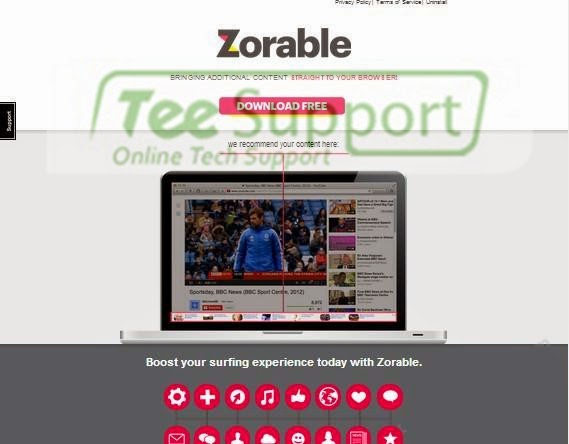
Screenshot of Zorable 


What is Zorable ?


Zorable can be clasiffied as a potentially unwanted program or adware which aims to promote its application on users browser such as Mozilla Firefox, Google Chrome and Internet Explorer, Yahoo, Bing, Opera, Safari. This adware usually comes into your computer along with some free software, files and drivers. You may also get infect by opening spam emails, sharing corrupt content, or clicking to unsafe web sites, and so on. On its pop up message, you can see that it asks the users to download Zorable to boost surfing experience. 

The Effective Guide to Remove View That - Manual Removal Support

Is your computer infected with the View That pop up? No worries, you can refer to the manual and automatic removal guides in this post. 

Screenshot of View That 


Information of  View That


View That ads can appear on your browser like Google Chrome, Internet Explorer and Mozilla Firefox. This View That is displayed by a specific website to ask you to download some player or pictures to have a better watching experience. This is a adware created by the creator to get revenue by generating traffics. Once infected, it will change the registry entries and browser setting. When you open your browsers, it will pop up randomly automatically without your permission.

How to Remove WordsSurf, WordsDisplay and SuperWords Completely?

Do you get the pop up from WordsSurf, WordsDisplay and SuperWords when surf the internet? Want to remove it but in vain? This article can offer you useful guides to remove it.

Information of WordsSurf, WordsDisplay and SuperWords


Recently computer users keep receiving the pop ups from WordsSurf, WordsDisplay and SuperWords. They are the adware from the same adware family. This adware can appear on the browsers like Internet Explorer, Mozilla Firefox and Google Chrome. This series of adware are caused by some malicious browser extensions which uses pop ups to promote ads through the website. The creator can get revenue by generating web traffic and promoting specific websites or products from their sponsors.

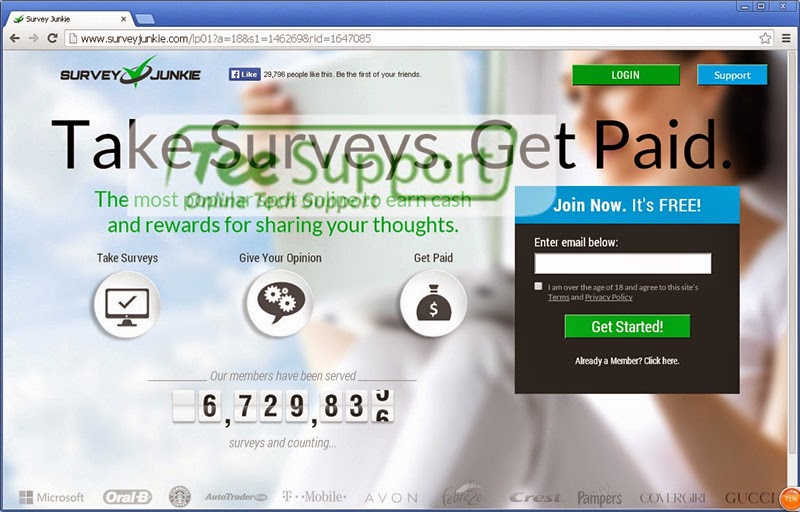
Remove ShopSave.Me ads - How to Get Rid of ShopSave.Me ads Permanently

I got a lot of pop up ads from ShopSave.Me when I surf the internet. I want to remove it, could you help me please? 

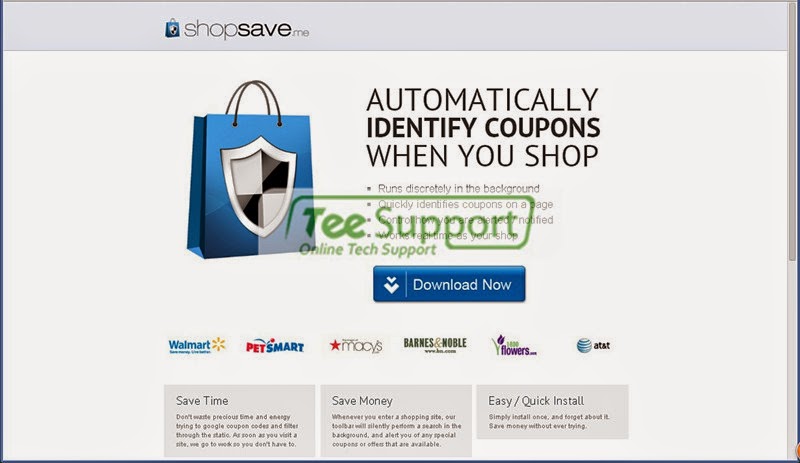
Screenshot of ShopSave.Me Ads


What is ShopSave.Me Ads?


ShopSave.Me Ads is an adware program which will display a lot of commercial ads, banners, pop-up ads and sponsor links on the website you are visiting. It states to help computer users save time and money when shopping online. but users find it do more harm than good. This adware is a ads-supported platform created by the creator to make profits by promoting some specific websites or products. This adware can infiltrate into the system when users download some updated programs, free software from the internet, or clicking malicious websites and links.
2014-04-17

How to Remove Cr.tractionize Safely and Quickly? Manual Removal Guide

http://cr.tractionize.com/ hijacks my browser all the time. It appears no matter when I open the homepage or a new tab. I have no idea to stop it. What can I do? This post can give you an overlook of it.

Screenshot of Cr.tractionize


Information of  Cr.tractionize


Cr.tractionize is a browser hijacker which will appear on the browser when the users surf the internet. This browser extension can affect the popular browsers such as Mozilla Firefox, Google Chrome and Internet Explorer. It changes your default homepage and replaces by its own domain on your browser. This browser hijacker can can come into the computer together with free software, spam emails, updated programs or unsafe web sites, and so on.